
Fan device
A fan lets you control power, speed settings, and oscillation for personalized airflow. When connected through Home Assistant Alexa integration with Node-RED, you can automate fan speed adjustments based on temperature sensors or voice commands.
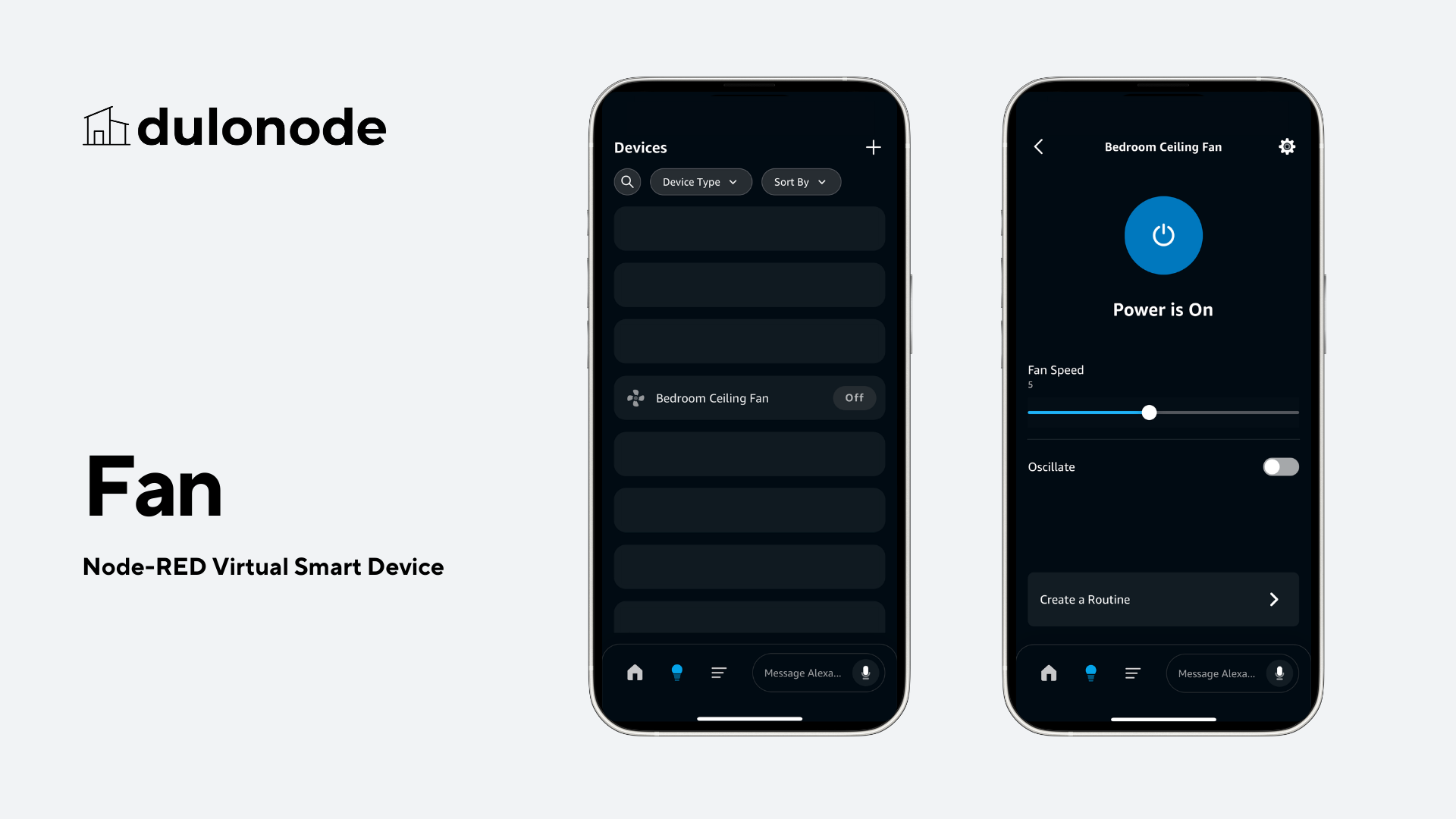
Output
The following is a sample Node-RED output for this device using default component values:
{
  "id": "{--Fan Device ID--}",
  "name": "{--Fan Device Name--}",
  "type": "fan",
  "components": {
    "PowerController": {
      "powerState": "OFF"
    },
    "RangeController:Fan.Speed": {
      "rangeValue": 0
    },
    "ToggleController:Oscillate": {
      "toggleState": "OFF"
    }
  },
  "metadata": {
    "previous": {
      "components": {
        ...
      }
    }
  }
}
Components
The following components enable various features and controls for this device. Each component offers specific capabilities, commands, and configurations to enhance your Node-RED Alexa integration.
PowerController
The PowerController is essential for managing the power states of devices.
Commands:
“Alexa, turn on the Bedroom Fan.”
“Alexa, turn off the Bedroom Fan.”
Specification:
| Property | Description | Allowed Values | Default |
|---|---|---|---|
| powerState | Indicates the device’s power state. | ON, OFF | OFF |
RangeController:Fan.Speed
The Fan.Speed instance sets how fast the fan turns, from 0 to 10.
Commands:
“Alexa, set the bedroom fan speed to 7.”
“Alexa, set the fan speed on the bedroom fan to maximum.”
“Alexa, turn up the bedroom fan speed.”
“Alexa, decrease the fan speed on the bedroom fan by 3.”
“Alexa, what's the bedroom fan speed?”
Specification:
| Property | Description | Allowed Values | Default |
|---|---|---|---|
| rangeValue | Specifies the range value for the device (e.g., fan speed or lift height). | 0 - 10 | 0 |
ToggleController:Oscillate
The ToggleController manages device-specific functionalities.
Specification:
| Property | Description | Allowed Values | Default |
|---|---|---|---|
| toggleState | Indicates the ON or OFF state of a specific device property. | ON, OFF | OFF |